Get a fixed price
Apps without the app store

The phone story, in four taps.

What your customer actually does, from opening your website to getting your alert. Scroll through it.

How an installed app works, in four steps

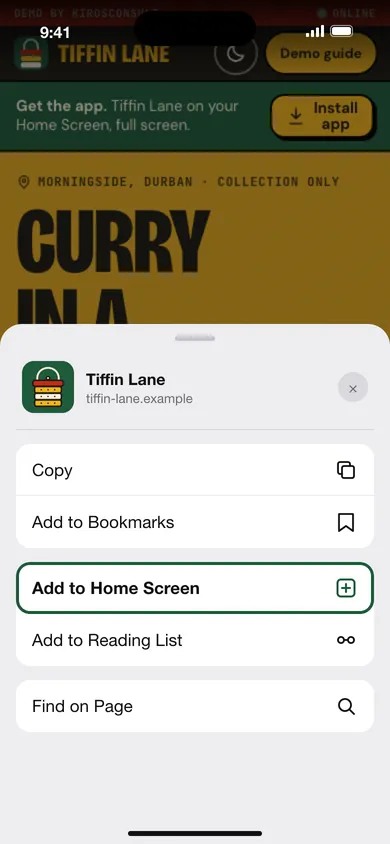
Phone showing the Tiffin Lane demo website with the Add to Home Screen option highlighted in the share sheet
Step 1 of 4

Open the site and tap Add to Home Screen

Your customer opens your website on their phone. One tap on Share, one tap on Add to Home Screen. No store account, no download, no waiting for an approval. On Android the browser offers an Install button as well.

App Basic · R2 999
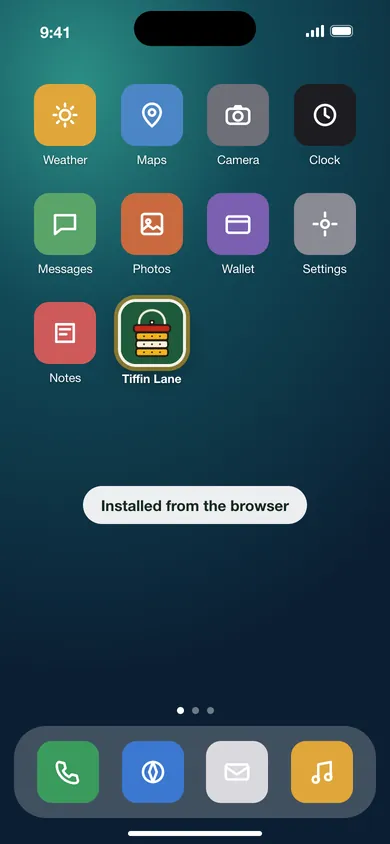
Phone home screen with the Tiffin Lane app icon among other apps
Step 2 of 4

Your icon sits beside their other apps

It opens full screen with your logo and your colours, and the offline pages keep working when the signal drops. The same site, one tap from the Home Screen.

App Basic · R2 999
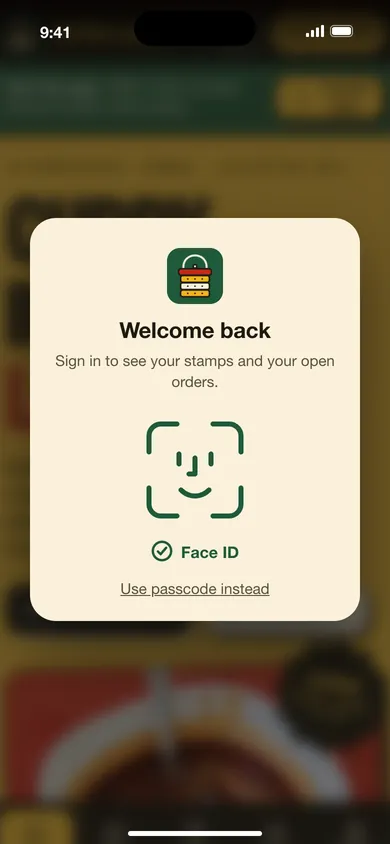
Phone showing a Face ID sign-in card for the Tiffin Lane app
Step 3 of 4

Face ID signs them in

Clients and staff sign in with Face ID or a fingerprint instead of a password, and are signed out automatically after a period of inactivity.

App extra: Face ID sign-in · R4 999
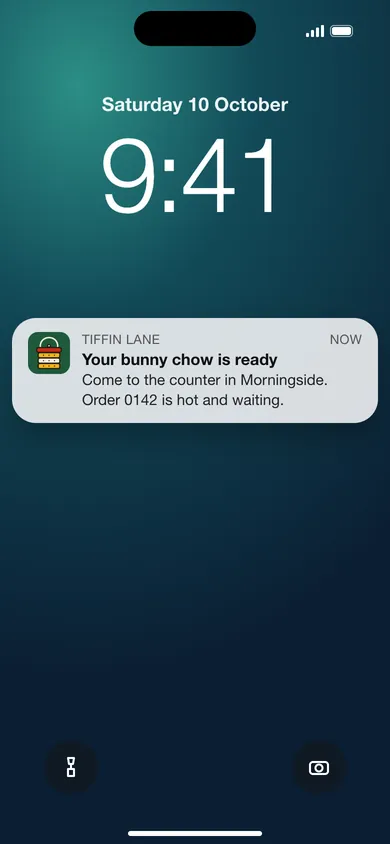
Phone lock screen showing a Tiffin Lane notification that the order is ready
Step 4 of 4

A push alert lands on the lock screen

Booking reminders, order updates, a spot opened on the waitlist. Sent from your own server, so there is no per-message fee. On iPhone, alerts work once the app is on the Home Screen.

App extra: push notifications · R2 999
Two ways to have an app

The Home Screen, or the stores. Often both.

Start on the Home Screen: it reaches every phone with a browser and costs a fraction of a store app. Add the stores when your customers expect to find you by searching them.

On the Home Screen

How it gets there
A one-tap install link or a QR code. Android offers an Install button; on iPhone it is Share, then Add to Home Screen.
What you get
Your icon, full-screen use, offline pages, then Face ID sign-in and push alerts when you add them.
When you change something
You change the website and the app changes. Nothing to resubmit, nothing for a store to review.
Price
R2 999 for App Basic, with Face ID and push as optional extras, or R9 999 for the App pack (Basic, Face ID, push, automatic sign-out and a start screen for each role), which costs less than the three bought separately.

In the App Store and Google Play

How it gets there
We publish it under your own developer accounts, so the listing belongs to you.
What you get
People who search a store can find you. The App Store version has native notifications and Face ID.
What it needs
Google Play needs App Basic. The App Store, and both stores together, need the App pack.
Price
Google Play R2 999, App Store R13 999, both stores R22 999. Store care R4 999 a year per app.

What the stores charge you directly: Apple US$99 a year and Google US$25 once, paid into your own developer accounts. A custom-built mobile app in South Africa is typically quoted from R96 000; we reuse what is already built into your site, which is why ours is a fraction of that.

App prices

Published, like everything else.

App add-on pricing
Add-onWhat it doesPrice
App BasicInstallable app: home-screen icon, full screen, splash screen, offline pages and update prompts. The starting point for every appR2 999
App extra: Face ID sign-inFace ID or fingerprint sign-in (passkeys) instead of a passwordR4 999
App extra: push notificationsAlerts to installed phones. We host the sending, so there is no monthly tool feeR2 999
App packApp Basic, Face ID, push, automatic sign-out after inactivity and a start screen for each role, for R9 999. Bought separately, Basic and the two extras come to R10 997, so the pack saves R998R9 999
Google Play listingYour app published in the Google Play Store. Needs App BasicR2 999
App Store listingAn iPhone and iPad app in Apple's App Store, with native notifications and Face ID. Needs the App packR13 999
Both storesGoogle Play and the App Store together. Needs the App packR22 999
Store carePer app, per year: phone software updates, certificates, yearly resubmission and store reviewsR4 999 / year

Push alerts are self-hosted, so there is no per-message fee. Prices are in rand and include VAT where it applies.

Try one

Try one on your phone.

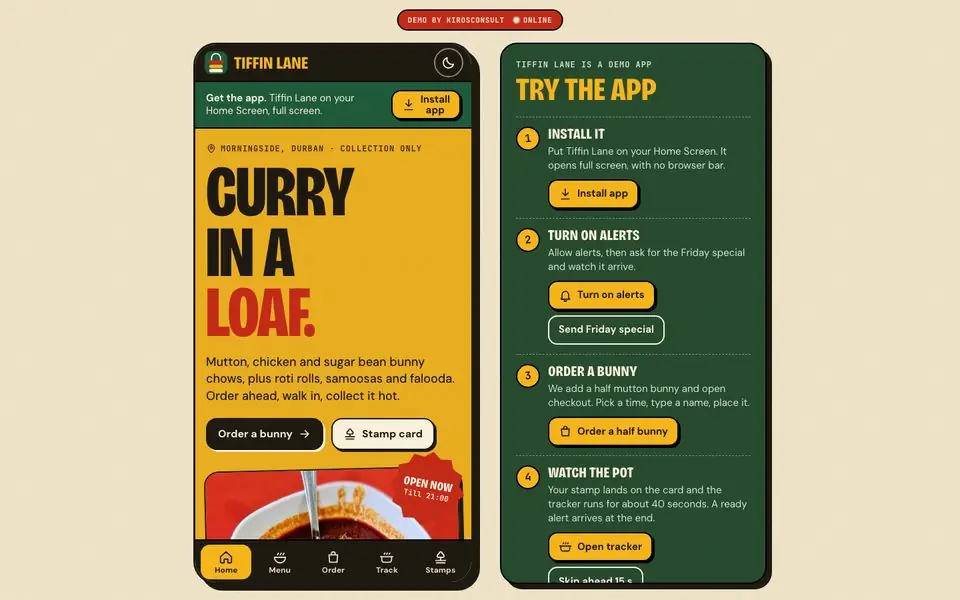
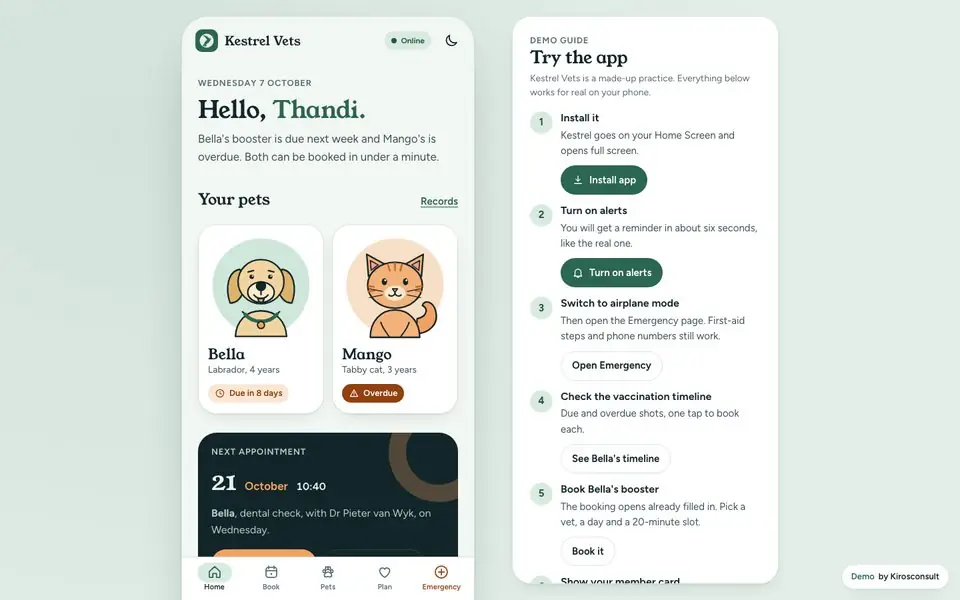
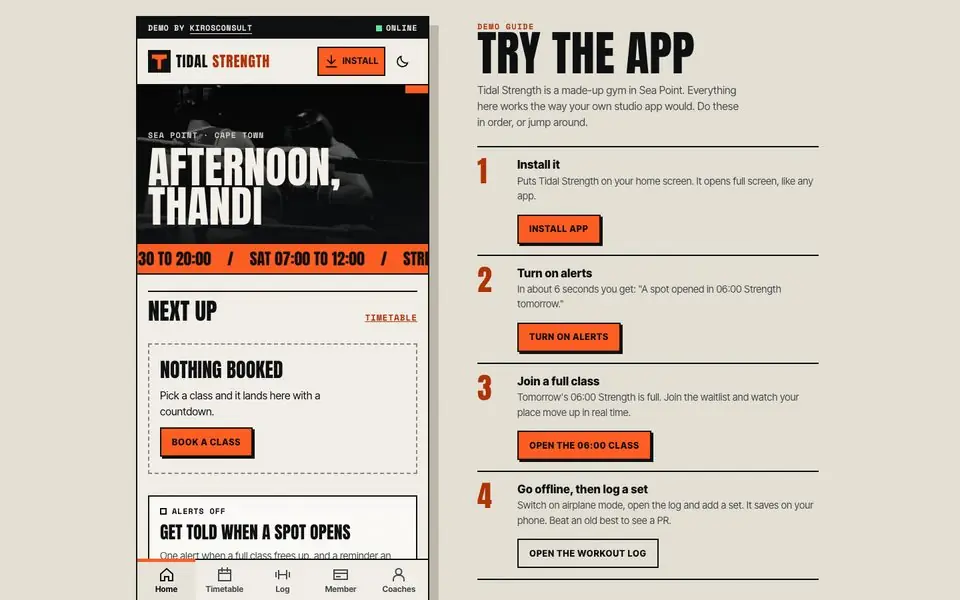
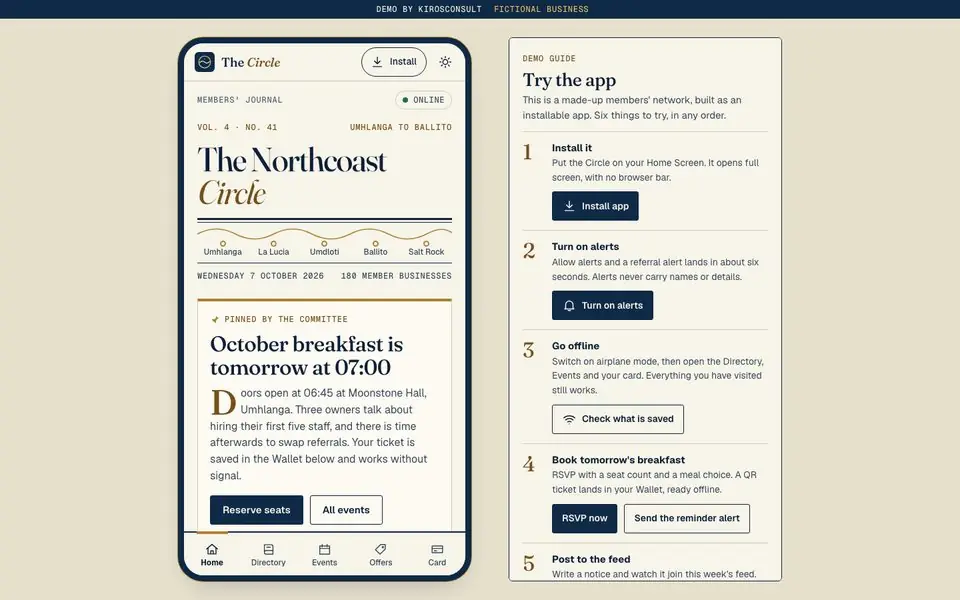
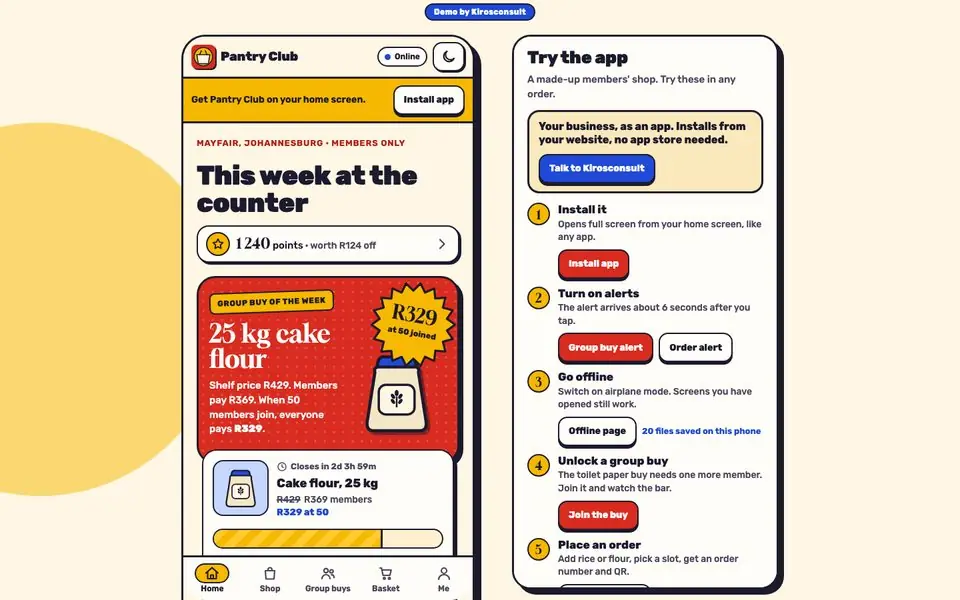
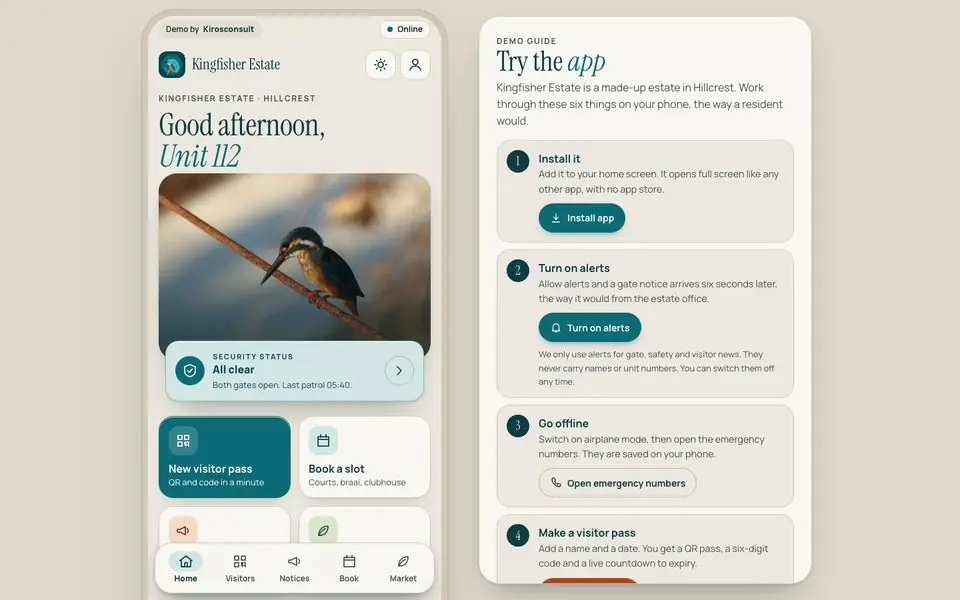
Six installable apps for South African businesses and clubs. Each goes on a phone's Home Screen straight from the website, sends real alerts and keeps working without signal. The businesses are fictional.

All six app and community demos

Questions

About the app.

Do I need the app stores at all?

No. The installable app runs from your website and reaches every phone with a browser. Store listings help when customers expect to find you by searching the App Store or Google Play.

Does it work without a signal?

Offline pages are built in, so the app opens and shows what it has already loaded when the signal drops.

Do alerts work on iPhone?

Yes, once the app has been added to the Home Screen. That is Apple's rule, and the install step above is how a customer does it.

What is store care?

Per app, per year: phone software updates, certificates, yearly resubmission and store reviews. It is R4 999 a year and only applies if you are in a store.

Is the push alert really free to send?

Yes. Alerts are sent from your own server, so there is no per-message fee. We wire up to three events, such as a booking reminder or an order update.

Let's talk

Want this for your business?

Tell us what customers do most often and we will say which of the three add-ons earns its keep. You get a fixed price and a date.